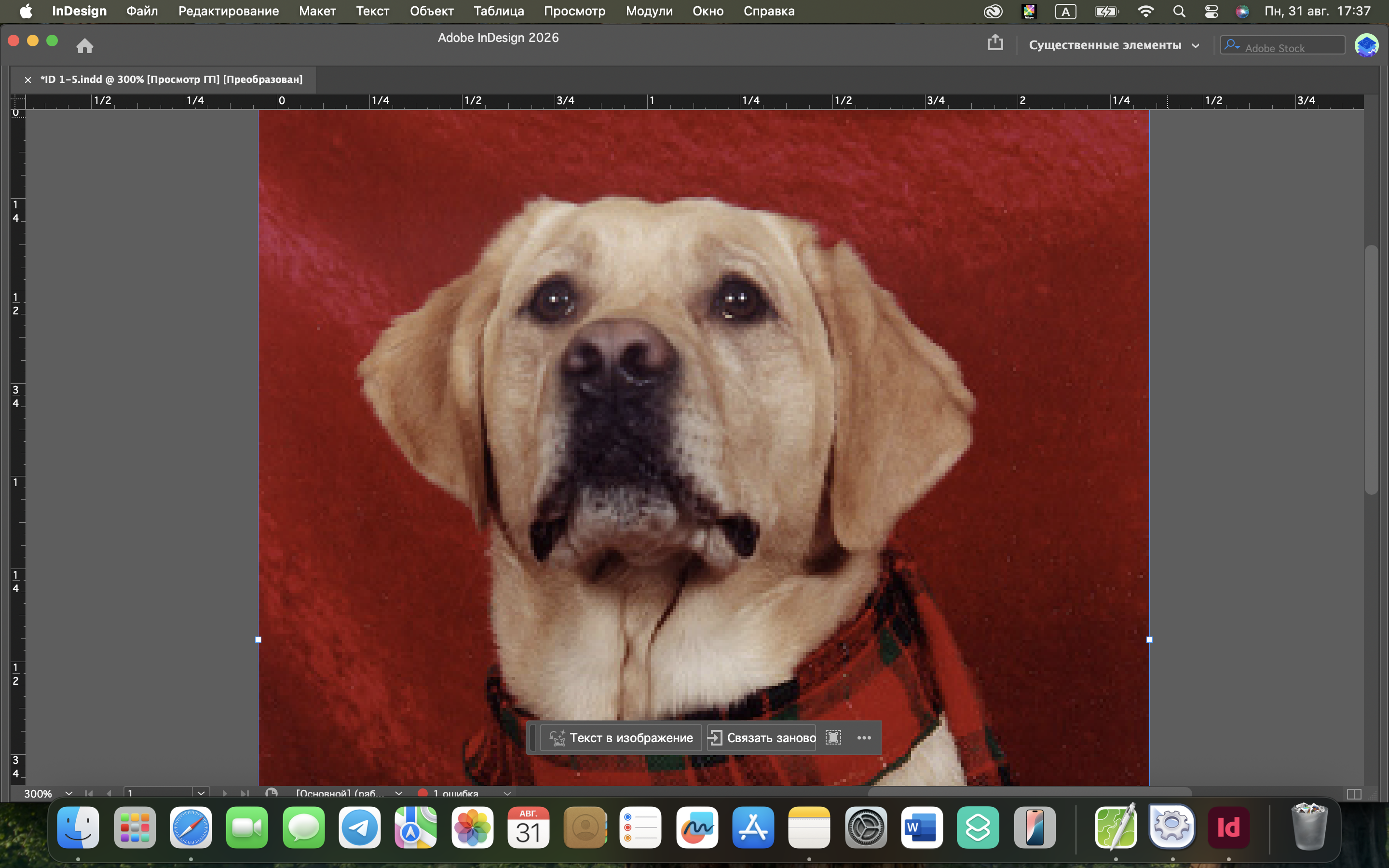
In Chapter 1 Project Builder 2, I practiced using the Zoom and Hand tools. I zoomed in on the dog's eye, moved the image to the other eye, zoomed out five times, and positioned the image so that both eyes and the dog's snout were visible.
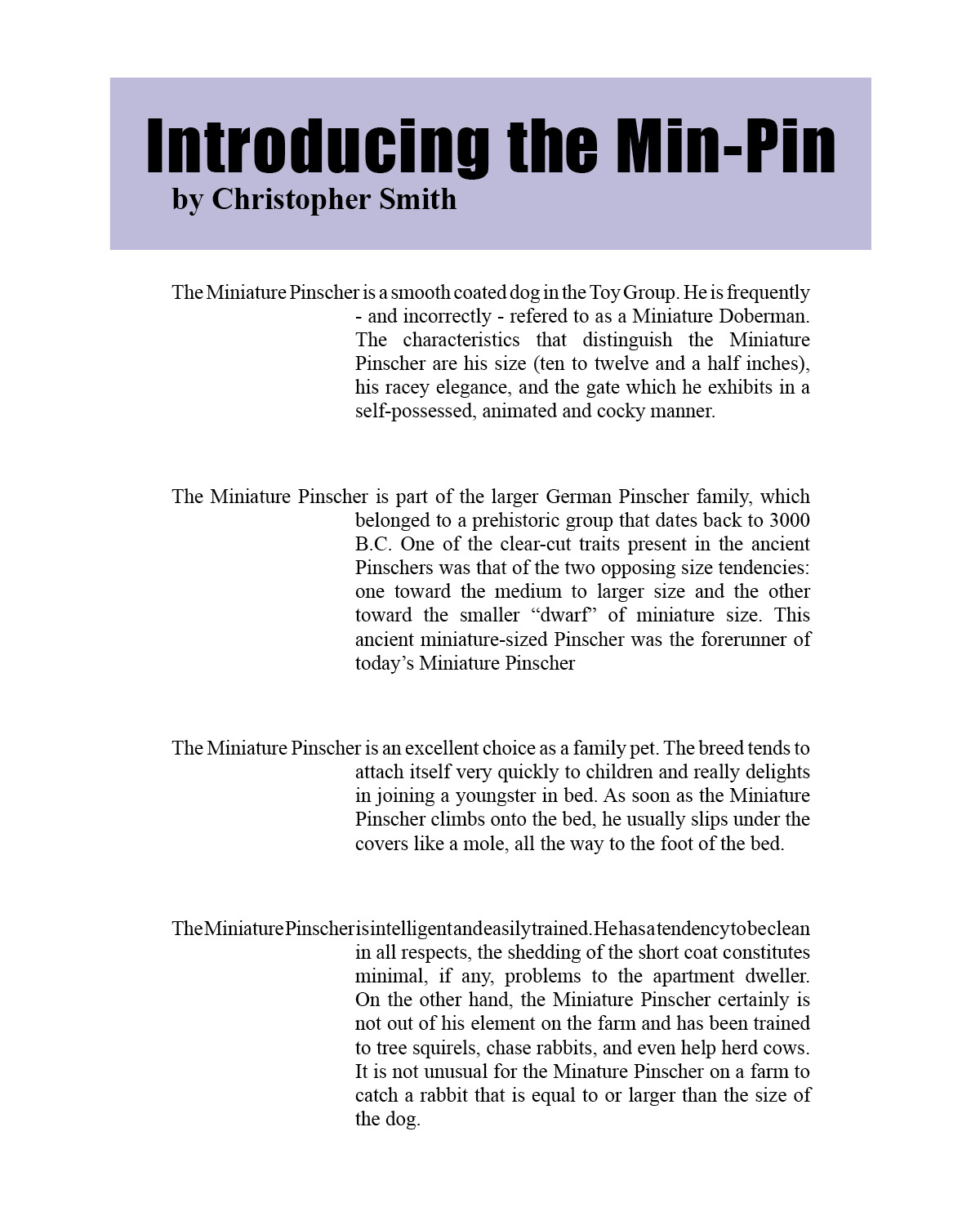
In Chapter 2 Project Builder 2, I reformatted four paragraphs using left and right indents, paragraph spacing, and negative first-line indents. The hanging indents create space where small pictures can be placed beside each paragraph.
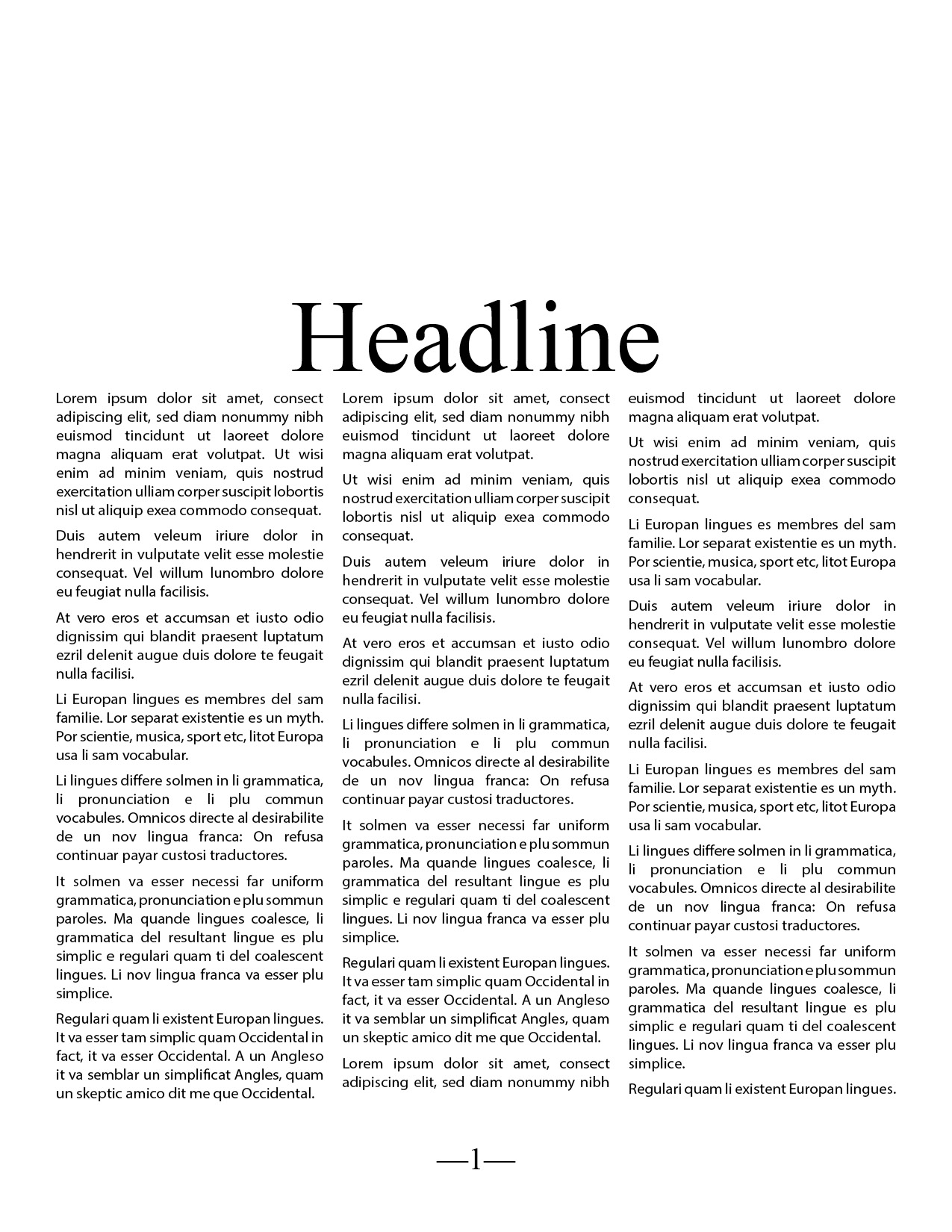
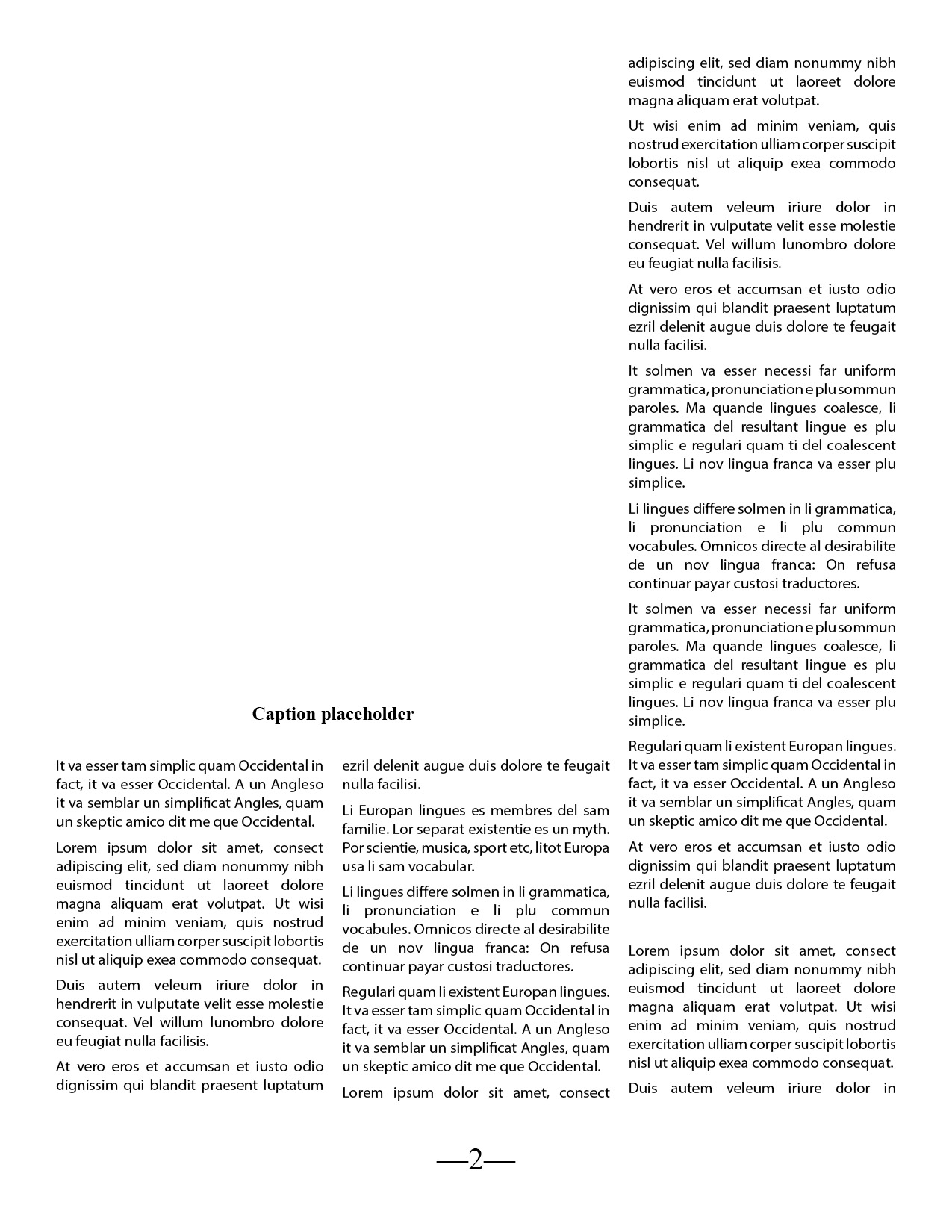
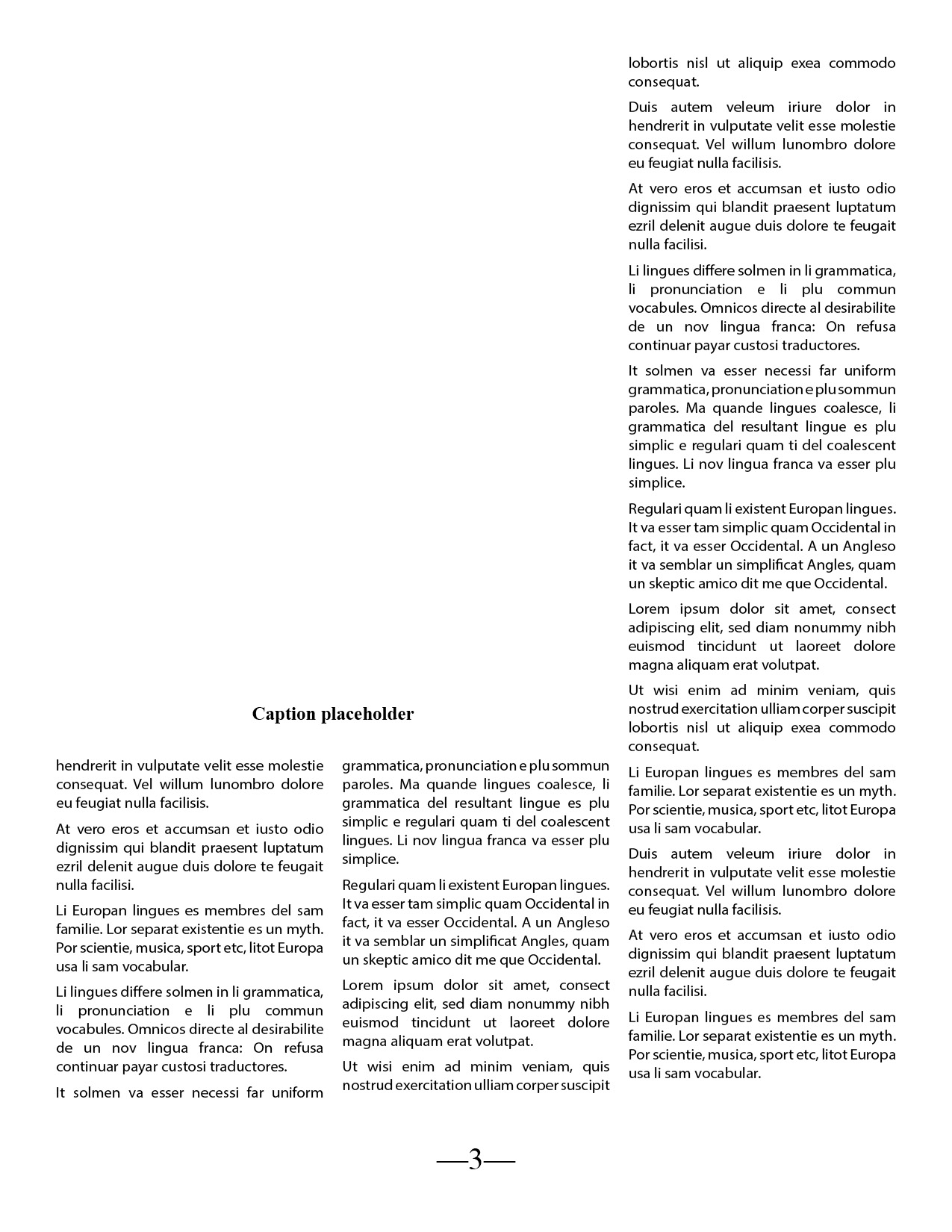
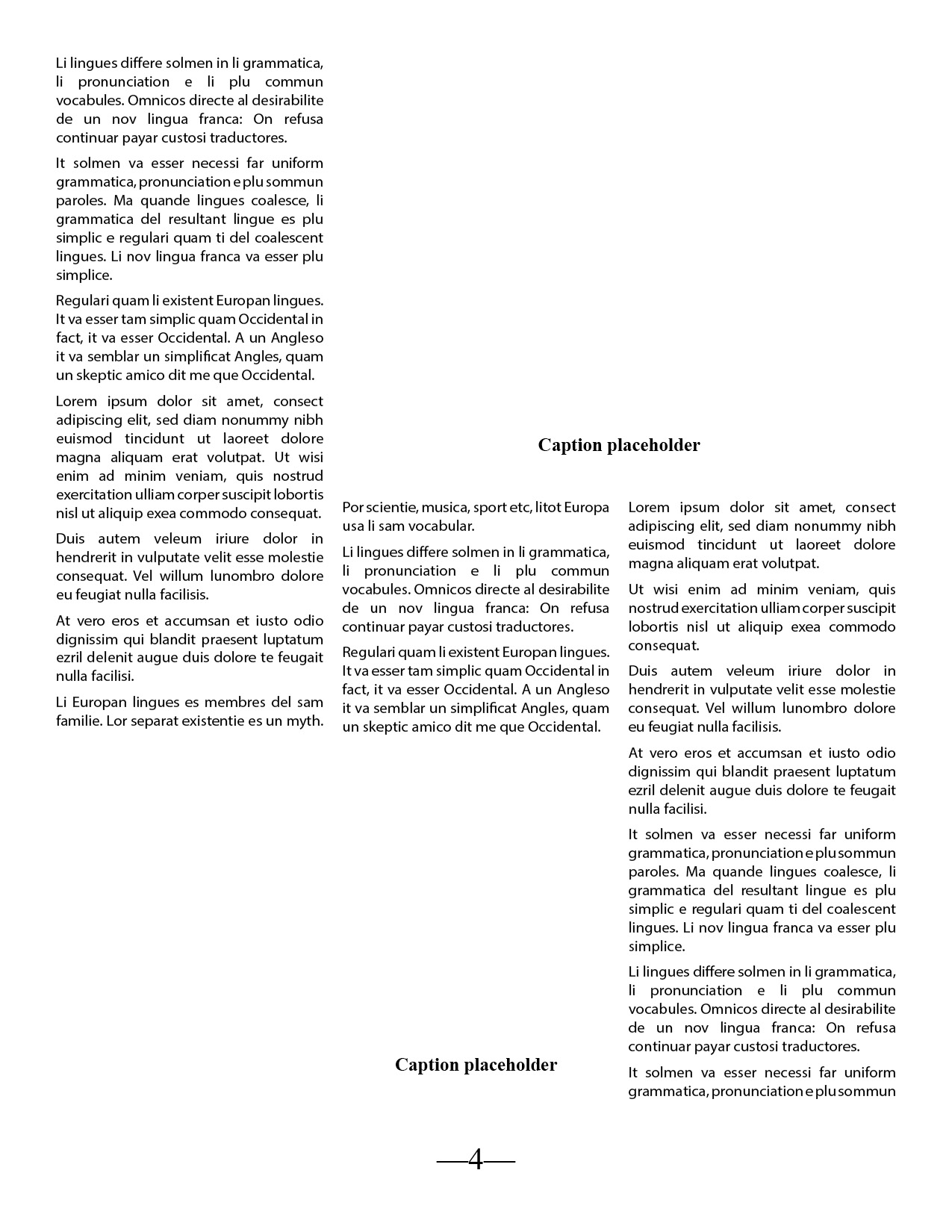
In Chapter 3 Project Builder 2, I applied the B-Master to pages 2 and 3 and the C-Master to pages 4 through 6. I placed the supplied text on page 1 and threaded the remaining text through all six pages of the document.
Note: The original ITC Garamond Light font used in the source document was not available on my computer and could not be found in Adobe Fonts. InDesign automatically substituted another font, which slightly affected the text flow and layout. All required master pages were applied, and the text was placed and threaded through pages 1–6 as instructed.